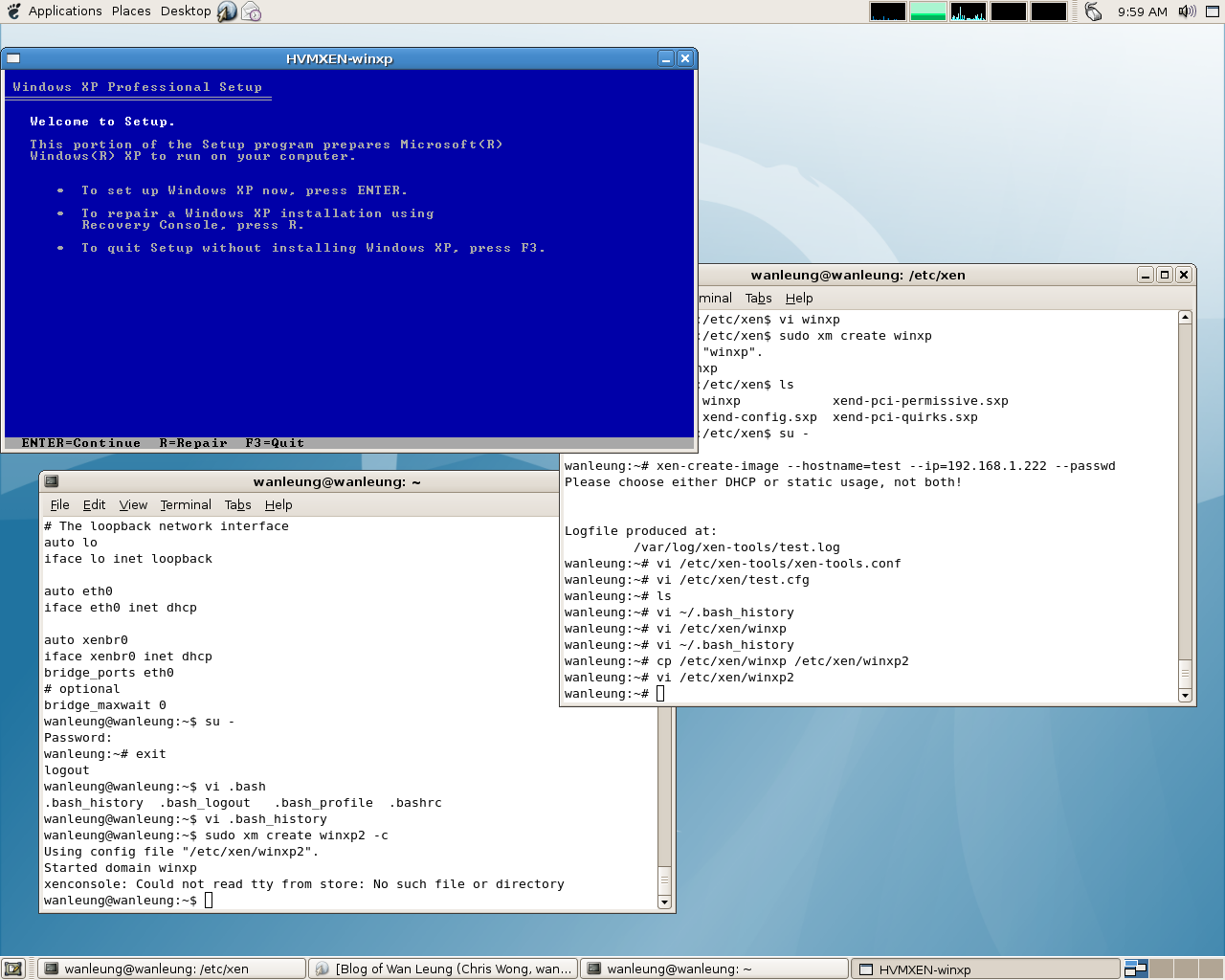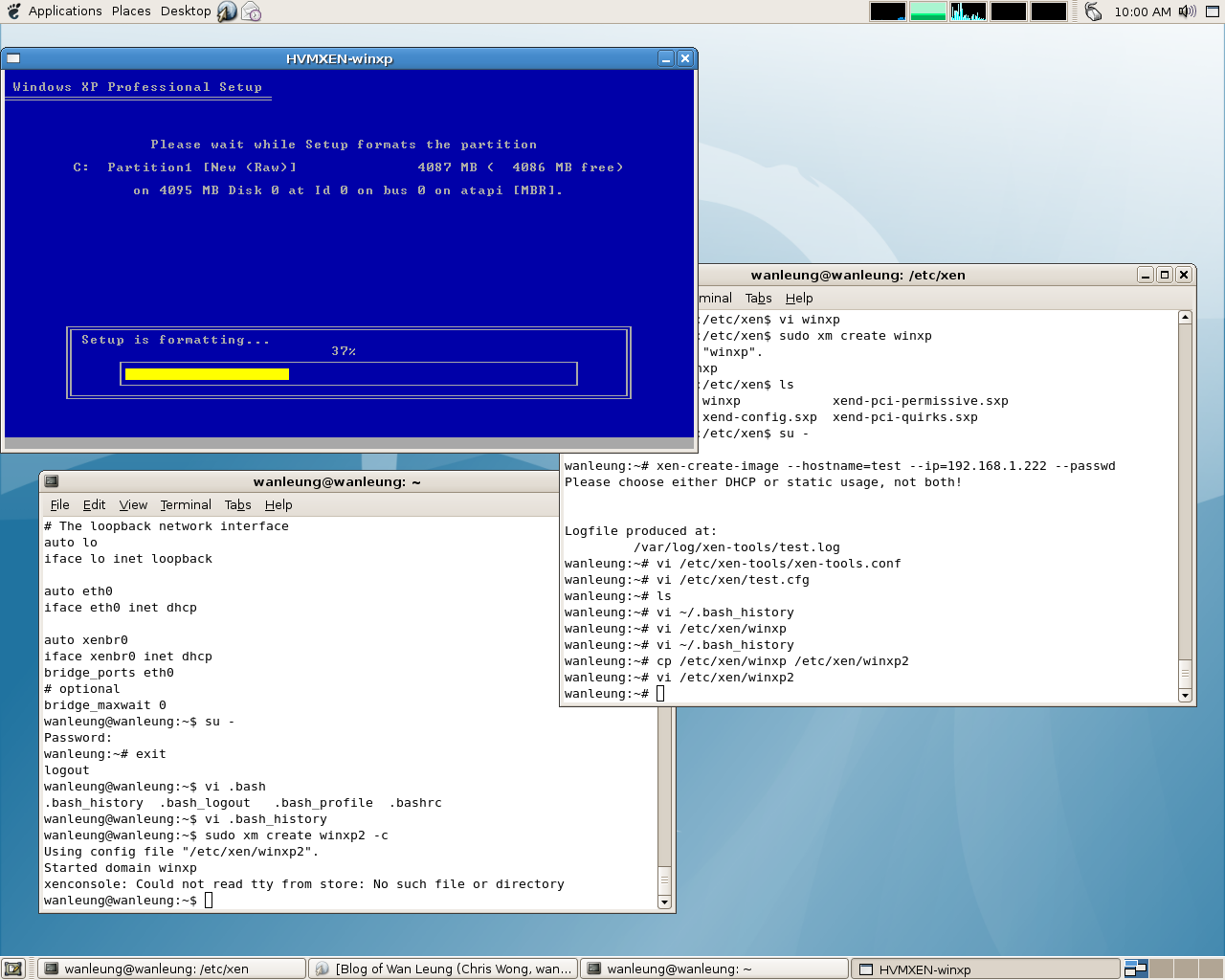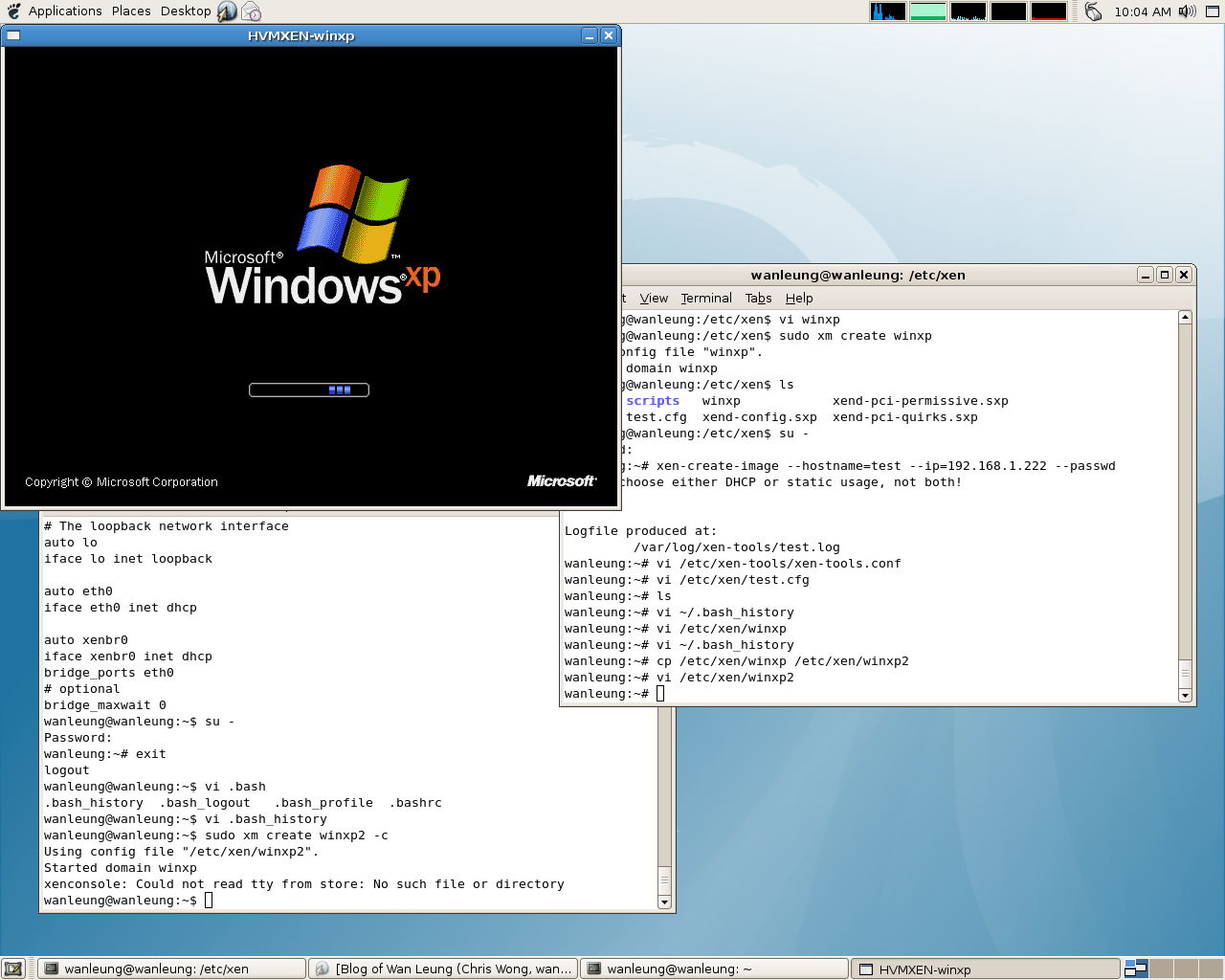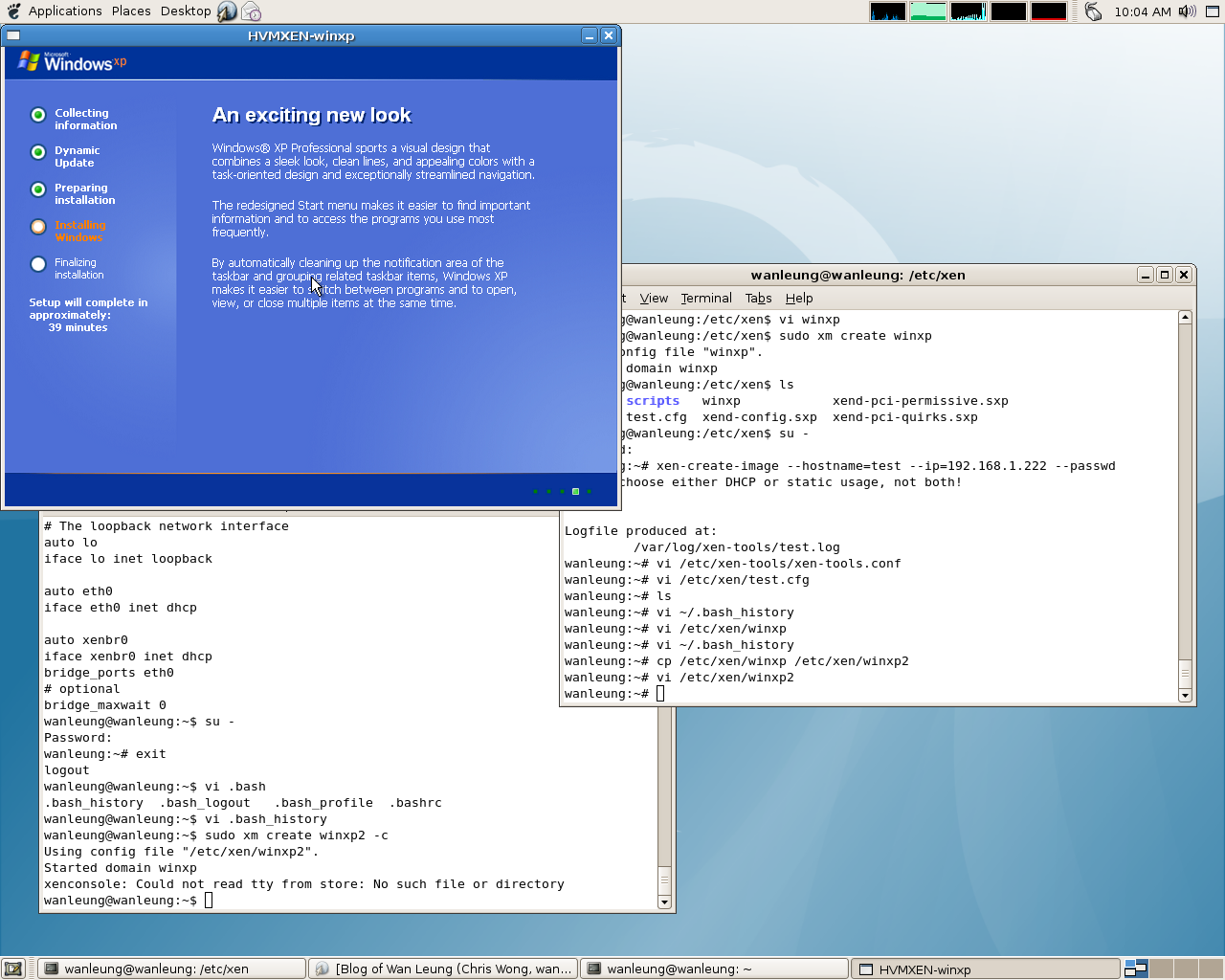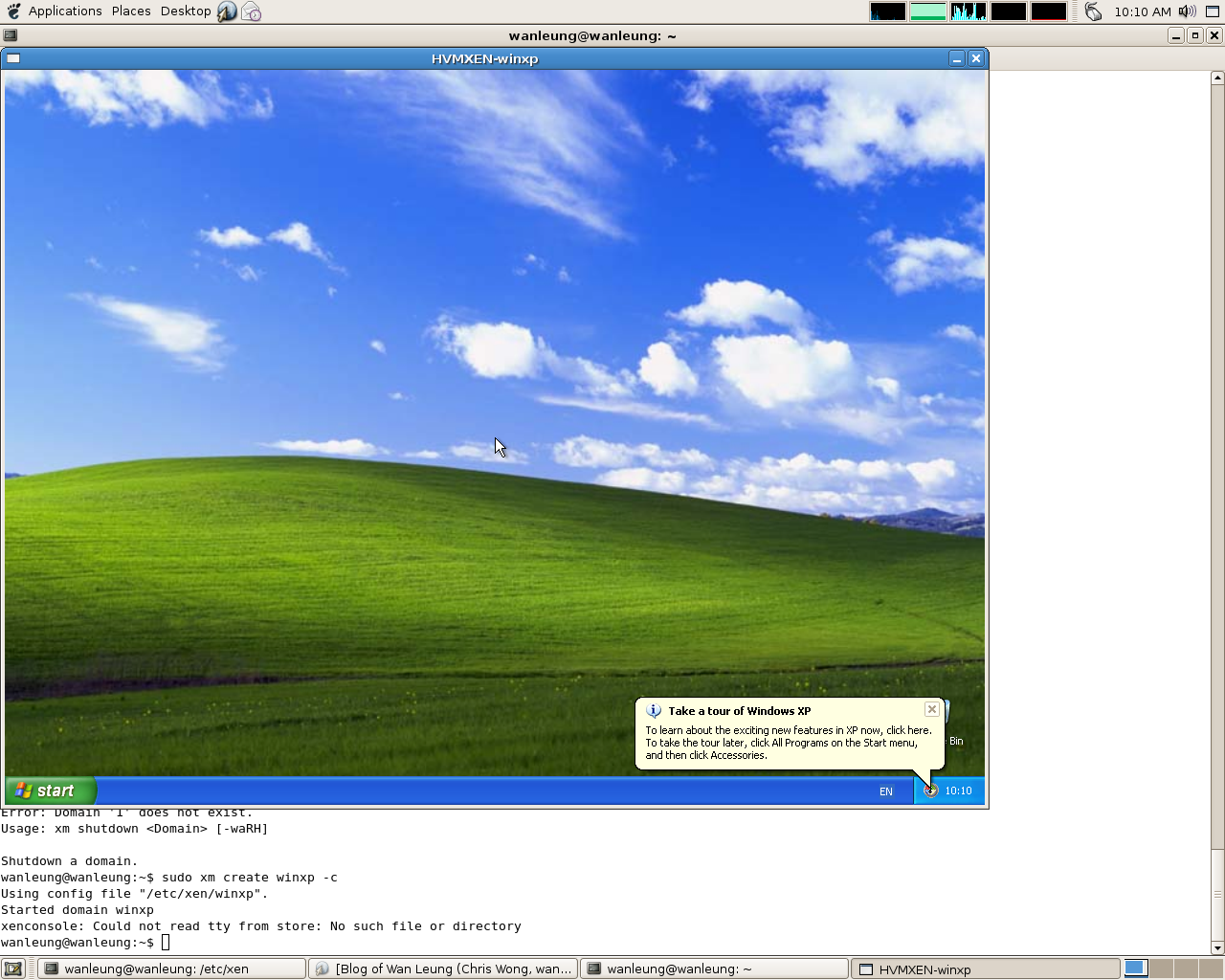
Here is the instruction for running XEN on Debian Etch on Core2Duo 6300 with 2GB Ram.
First, install all the packages that related to XEN.
apt-get install  libc6-xen linux-headers-2.6-xen-686
linux-headers-2.6-xen-vserver-686 linux-headers-2.6.18-4-xen
linux-headers-2.6.18-4-xen-686 linux-headers-2.6.18-4-xen-vserver
linux-headers-2.6.18-4-xen-vserver-686 linux-image-2.6-xen-686
linux-image-2.6-xen-vserver-686 linux-image-2.6.18-4-xen-686
linux-image-2.6.18-4-xen-vserver-686 linux-image-xen-686
linux-image-xen-vserver-686 linux-modules-2.6.18-4-xen-686
linux-modules-2.6.18-4-xen-vserver-686 xen-hypervisor-3.0.3-1-i386
xen-hypervisor-3.0.3-1-i386-pae xen-ioemu-3.0.3-1 xen-tools
xen-utils-3.0.3-1 xen-utils-common bridge-utils iproute sysfsutils
Then, boot reboot the machine and choose the pae kernel to boot.
Next, add the following into /etc/network/interface for the Xen Bridge neteork.
auto xenbr0
iface xenbr0 inet dhcp
bridge_ports eth0
# optional
bridge_maxwait 0
To build a new debian domain:
Configurature /etc/xen-tools/xen-tools.conf collectly such as kernel version and initrd.
Then, run
xen-create-image --hostname=<name_of_DomU> --dir /home/xen/images/debian
Next, configurature
/etc/xen/<name_of_DomU>.cfg
to make sure all the Tag are correct.
Finally, run
xm create test.cfg -c
to run the VM.
As Core2Duo 6300 support VT, we could run Windows under Xen.
To run Windows in Xen,
first, build an image file for windows.
dd if=/dev/zero of=/home/xen/images/WinXP.img bs=1M count=4096
Next, copy the Windows XP install CD in to an iso format
dd if=/dev/cdrom of=/home/xen/cds/winxp.iso
Then, build a winxp config file in /etc/xen as the following. eg:
vi /etc/xen/winxp
kernel = "hvmloader"
builder='hvm'
memory = 512
name = "winxp"
vif = [ 'type=ioemu, bridge=xenbr0' ]
disk = [ 'file:/home/xen/images/WinXP.img,ioemu:hda,w',
'file:/home/xen/cds/winxp.iso,hdc:cdrom,r' ]
#cdrom = '/dev/hda'
device_model = 'qemu-dm'
boot="dc"
sdl=1
vnc=0
nographic=0
localtime=1
Run
xm create winxp -c
to boot up the VM and install XP.
After finished installing the XP, turn off the VM and
change the
boot="dc"
to
boot="c"
in
/etc/xen/winxp